What is the most expensive firewall worth if anyone can plug their laptop into a camera cable hanging in the parking lot and instantly gain access to the internal network? Most systems fail at this very point. But not when the Techson Switch switches to “Bouncer mode.” If you’re interested in the solution, read on!
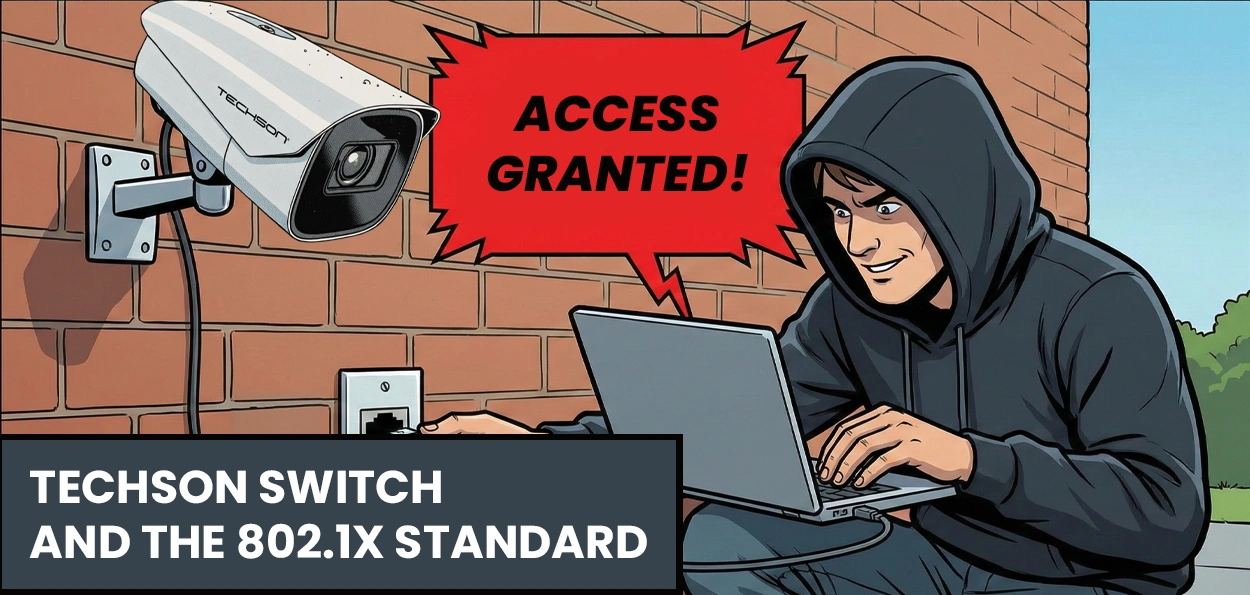
Let’s imagine the situation: a stranger (let’s call him the “Evil Hacker”) finds a free Ethernet cable on the side of the building that leads to an outdoor camera. He unscrews the camera, plugs in his laptop, and… BINGO! Since the switch port was open, he immediately gains access to the internal network.
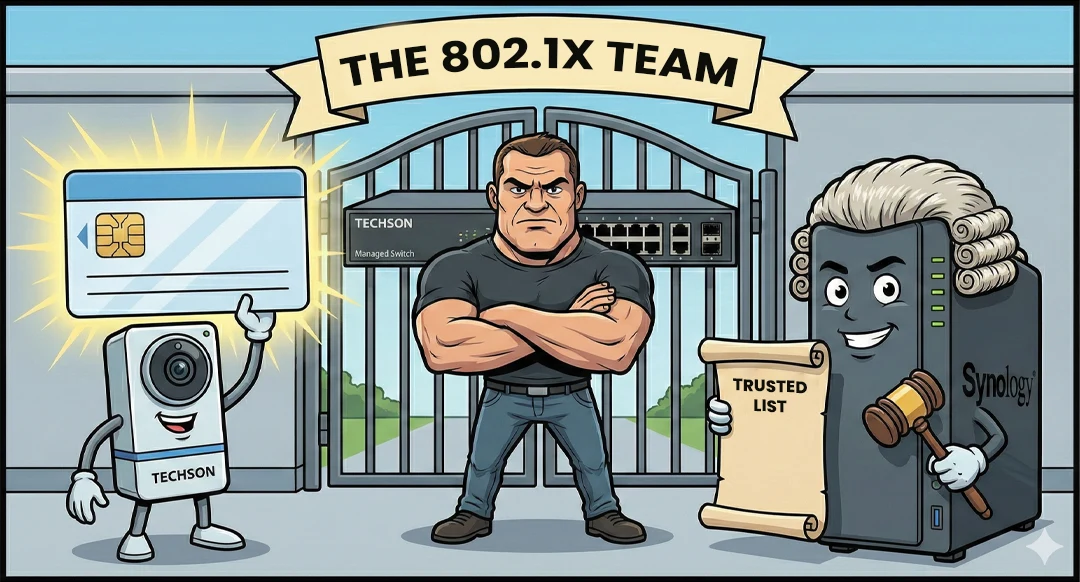
Techson Managed Switch
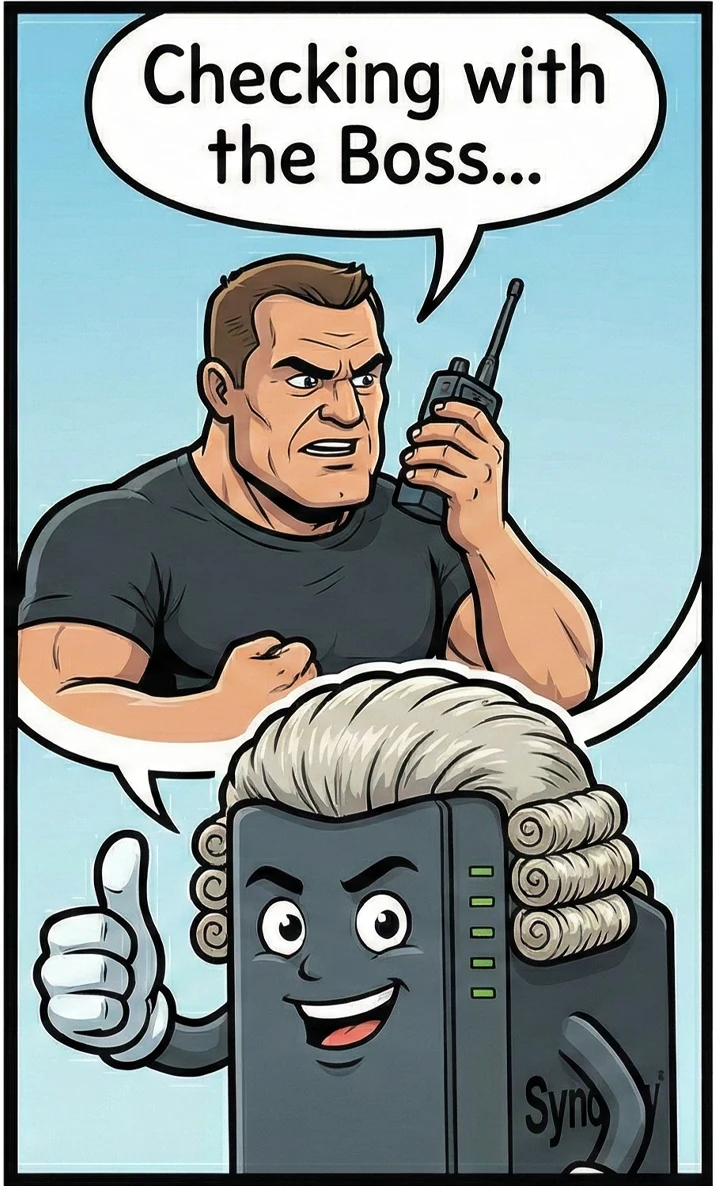
He is the force. He physically locks the port and lets no one through without identification.
Synology NAS
He is the knowledge. He holds the list of trusted devices and decides on access.
Techson Camera
It has an unforgeable digital ID (certificate) used to authenticate itself.
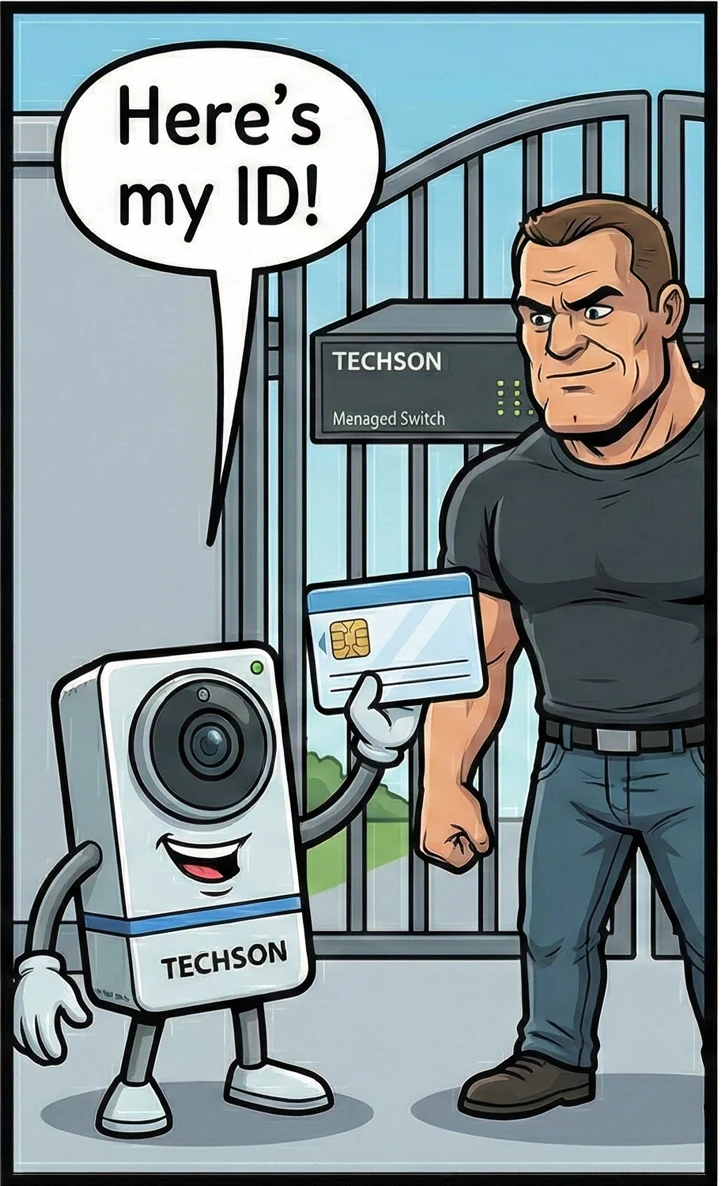
When the camera is connected, a quick “conversation” takes place. The camera presents its ID to the switch. The switch, since it cannot read it, forwards it to the NAS. The NAS checks it against the “Judge’s list,” and if everything is in order, it responds to the switch: “GO AHEAD!”. Only then does the gate open.
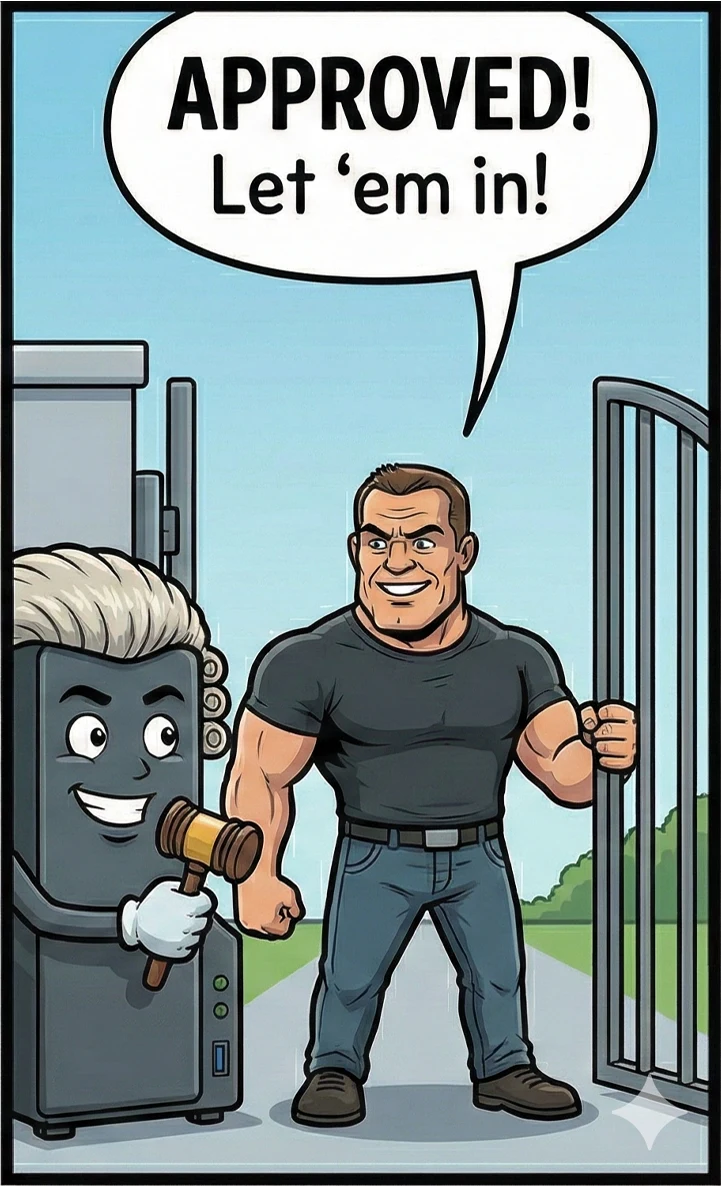
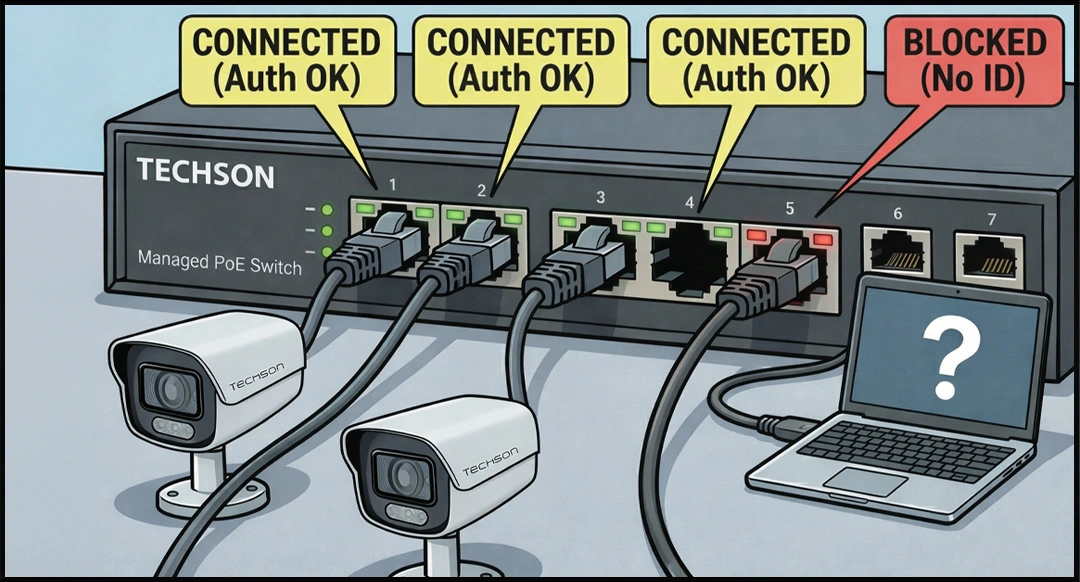
The system is visually clear during operation: on the front panel of the Techson Switch, the ports of authorized cameras light up green (“CONNECTED”), indicating successful access. However, if a hacker tries with a laptop, plugging in the cable won’t help. Without proper identification, the port does not allow traffic and remains closed (“BLOCKED”), the gate stays shut, and the network remains protected.